E-Learning & Training Management
Remote work flipped employee training on its head. 48% of employees still work remotely, and flexible arrangements aren’t going anywhere. Traditional classroom training? It’s dead for distributed teams.
The answer is mobile-first learning. Put smartphones and tablets at the center of your workforce development and deliver training when and where people actually need it.
In this post, we’re breaking down why mobile-first learning matters and sharing what actually works (and what doesn’t).
The Remote Training Challenge
Remote teams face training problems that traditional methods can’t touch:
- Time zones turn scheduled sessions into a coordination nightmare (good luck getting Tokyo and New York on the same call)
- Work environments range from home offices to client sites to the driver’s seat of a delivery truck
- Field teams and frontline workers don’t have desks, period
- Training slides to the absolute bottom of everyone’s priority list
- Video conference fatigue is killing engagement, and nobody wants another mandatory Zoom
Mobile-first learning tackles all of these. It meets employees where they actually are, not where your training calendar wishes they were.
Why Mobile-First Learning Works (When Done Right)
Desktop-only training can’t handle what remote workforces need. People scattered across time zones and locations need flexible access that accommodates wildly different schedules and environments. Mobile-first learning solves this, but only if you build it correctly.
The numbers are hard to ignore. Organizations using mobile learning see completion rates jump 30 to 50% higher than desktop-only training. Employees log in twice as often when mobile access is available. Companies get $30 of increased productivity for every dollar spent on e-learning. Corporate e-learning correlates with an 18% boost in employee engagement.
Here’s what matters most: 94% of employees say they’d stay longer at companies that invest in their career development. Mobile learning stops being just a training tool. It becomes your retention strategy.
Core Components That Actually Work
Microlearning Architecture
Time kills learning. Most training programs ignore this.
Mobile-first design fixes it through microlearning:
- Modules that take 2 to 5 minutes, tops
- One focused skill or question per module
- Standalone value (no forcing people to complete a 12-part series to learn one thing)
- Immediate application right when they need it
This matches actual phone usage patterns. Quick, purposeful hits. Not hour-long study marathons that nobody has time for.
Offline Functionality
Here’s where a lot of programs fail. They build beautiful mobile experiences that completely fall apart the moment someone loses internet connection.
Remote workers don’t always have reliable connectivity. Field employees, traveling teams, workers in rural areas, they all need training to work offline. Period.
Critical features:
- Download content for later
- Complete courses without connectivity
- Automatic syncing when connection returns
- Zero difference in experience whether online or off
I’ve seen companies roll out mobile learning that only works online, then wonder why field teams have 12% completion rates. Don’t make that mistake.
SCORM Compliance and Technical Standards
SCORM compliance ensures your content works across different systems with consistent tracking. Without it, you’ll lose visibility into who’s actually learning what. This technical foundation lets you track completion rates, monitor assessment scores, maintain centralized oversight, and let employees learn on whatever device they prefer.
Both your LMS and course content need SCORM compliance and mobile-friendly design. Half-compliance creates tracking nightmares later.
Customizable Learning Paths
One-size-fits-all training fails remote teams spectacularly. Different roles, departments, and experience levels need different approaches. Obvious? Yes. Common? Not even close.
Strong platforms support:
- Personalized journeys for individual needs
- Department-specific tracks
- Role-based content relevant to daily work
- Experience-level adjustments from day-one onboarding through advanced skills
Interactive Assessments and Branching Content
Passive content doesn’t stick. Never has, never will.
Interactive assessments with branched audiovisuals and quizzes create experiences that adapt to learner responses. This keeps challenge levels appropriate without causing frustration. When someone struggles with a concept, the content adjusts. When they nail it quickly, it moves them forward faster.
Gamification (Use Carefully)
Gamification transforms training from obligation to opportunity. When done well. When done badly, it feels patronizing and employees ignore it entirely.
Elements that actually work:
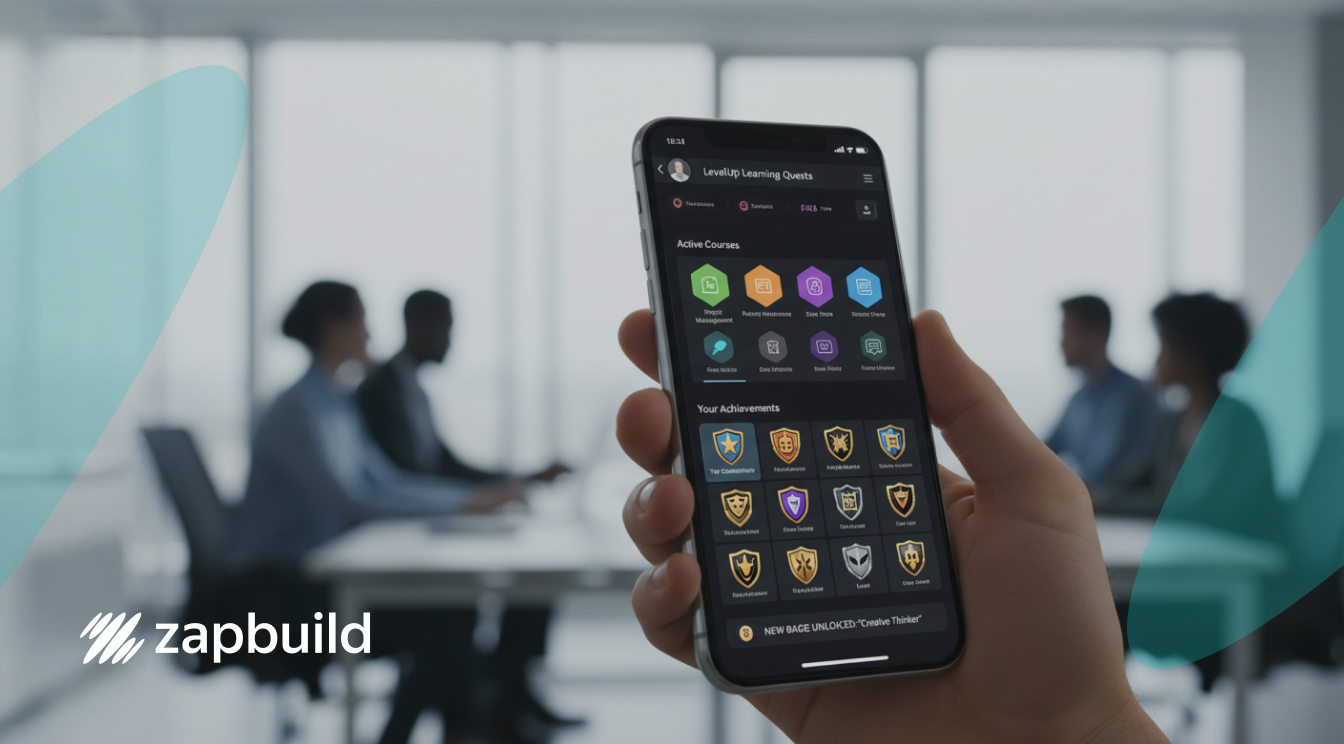
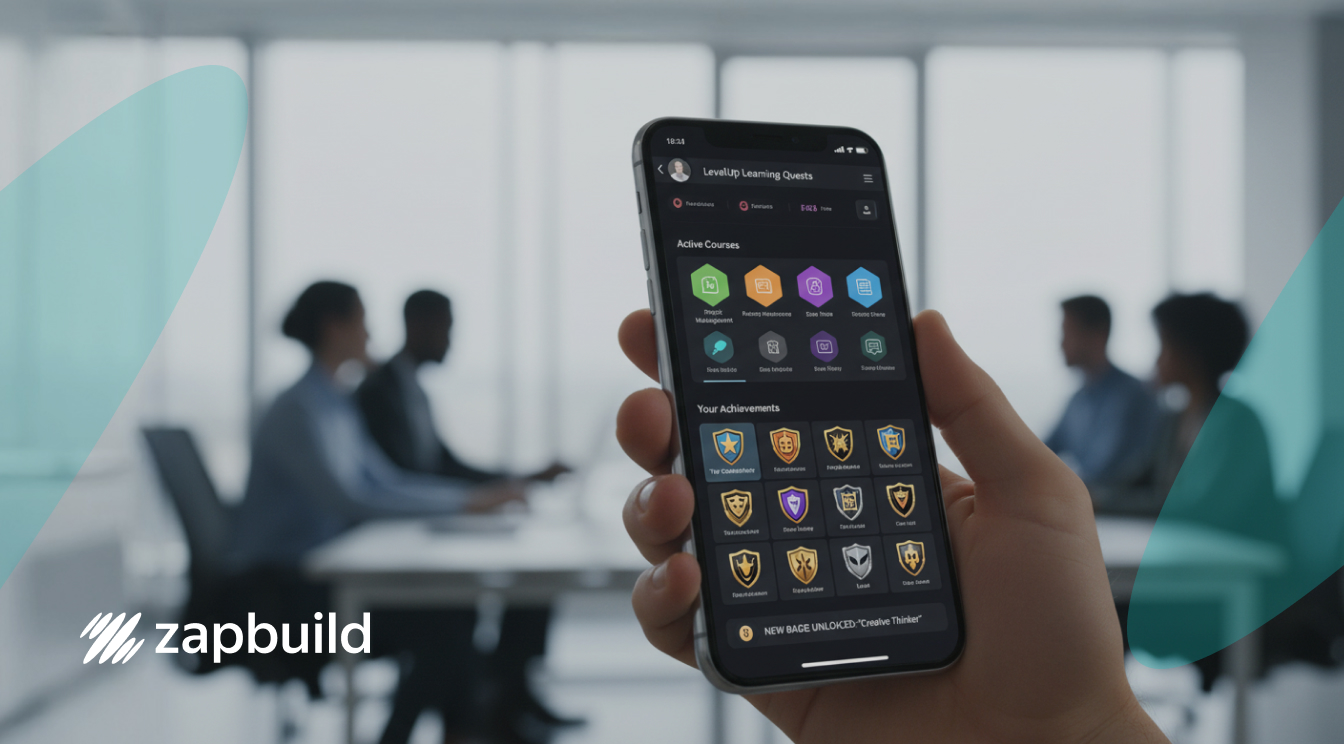
- Badges for genuine milestone achievements (not “you logged in today!”)
- Challenges testing real skill application
- Leaderboards that spark friendly competition (make them opt-in)
- Point systems visualizing progress
Mobile devices make game elements feel more immediate because they’re personal and always accessible. But resist the urge to gamify everything. Sometimes a straightforward module works better than turning it into a game.
Overcoming Implementation Challenges
Most articles skip the messy parts. Here’s what actually goes wrong.
Combating Learning Fatigue
Adding more screen time to remote workers’ days seems counterintuitive. Because it is. Mobile learning only reduces fatigue if you design it correctly:
- Bite-sized learning during natural breaks (not forced interruptions)
- Environment flexibility – couch, desk, outside, wherever
- Varied content formats between video, interactive activities, and text
- Respect for attention spans with focused sessions
When you get this wrong, you just add to burnout instead of reducing it.
Measuring What Matters
Analytics track learning progress at individual and team levels. Track these:
- Completion rates and time per module
- Assessment scores and knowledge gaps
- Mobile-specific metrics (device types, session durations, offline usage)
- Performance outcomes connecting training to actual business results
The last one separates successful programs from checkbox exercises. If you can’t connect training to improved performance metrics – safety compliance, quality standards, efficiency benchmarks – you’re just creating busy work.
Implementation Best Practices (From Real Rollouts)
Build the Business Case
Leadership doesn’t care about mobile learning. They care about ROI.
Run pilot programs with specific departments. Measure hard outcomes: completion rates, time to competency, performance improvements. Connect initiatives to strategic goals. Show how mobile learning enables instant product knowledge access during client meetings or reduces safety incidents through just-in-time refreshers.
Skip the fluffy benefits. Lead with numbers.
Select the Right Platform
Pick a scalable platform with responsive design that automatically adjusts for smartphones, tablets, and computers.
Must-haves:
- Customizable learning paths
- Offline access
- SCORM compliance for tracking
- Integration with existing HR systems
Don’t assume integration will be smooth. It rarely is. Budget time and resources for this.
Develop Content Best Practices
Design for small screens from the start. Don’t just shrink desktop content.
Use larger fonts and high-contrast colors. Prioritize video because mobile users prefer watching to reading. Structure content around specific job tasks, not abstract theory. Add interactive elements like swipe-to-reveal and scenario-based branching.
The biggest mistake? Repurposing existing desktop training for mobile without redesign. It creates terrible experiences and tanks engagement.
Roll Out to Remote Teams
Launch with clear communication about benefits (for them, not for you). Provide solid technical support: help desks, tutorial videos, troubleshooting guides.
Set up mentorship programs pairing experienced employees with newer staff. This solves adoption problems faster than any communication campaign.
Establish feedback mechanisms through surveys and analytics. Then actually use that feedback to refine content. I’ve seen too many companies collect feedback, ignore it, then wonder why engagement drops after the initial launch buzz fades.
Prepare Your Organization for Mobile-First Success
Mobile-first learning isn’t a nice-to-have anymore. It’s the baseline. Your remote workforce is distributed, always connected, and switching between devices constantly. Your training needs to match that reality.
Still running desktop-only or classroom-based training? You’re watching engagement tanks, skill gaps widen, and competitors gain ground. This isn’t a maybe situation. It’s happening right now.
Remote workers in 2026 expect learning that actually fits into their lives. They want it on whatever device is in their hand. They want it to solve a real problem they’re facing today, not next quarter. Organizations that build mobile-first learning systems around these expectations end up with teams that are sharper, more engaged, and more productive.
The ones that don’t? They’re stuck in meetings, wondering why nobody finishes training modules while their competitors keep winning.
Ready to build a mobile-first learning system that your remote teams will actually use? Consult with Zapbuild’s enterprise e-learning experts to design and deploy customized training solutions for your workforce, tech stack, and business goals.


 India
India
 United States
 Singapore
 India
India
 United States
 Singapore
 Sumeet Soni
Mar 25, 2026
Sumeet Soni
Mar 25, 2026